

Download Herd
Download Laravel Herd
Purchase Herd Pro
Purchase a license for Herd Pro
Why Herd?
Herd is a blazing fast, native Laravel and PHP development environment for macOS. It provides everything that you need to get started with Laravel development. It ships with PHP, nginx, dnsmasq and Node.js. You can integrate Herd with Laravel Cloud and Laravel Forge and use a single tool from setting up your application locally to deploying it to production. With Herd Studio, you can bring the coding agents and AI providers that you already use and build Laravel applications right from your browser. Herd Pro completes your development environment with service management for databases, caches, and more. It comes with testing and debugging tools tailored to Laravel and you’ll love them when you’re working on web applications every day. After installing Herd, it serves all applications on your machine via*.test domains – it’s like Laravel Valet but has no dependencies and doesn’t need Homebrew. It ships with its own, pre-compiled binaries which makes it blazing fast to install and use.
More than 85,000 web developers use Herd every day to create awesome web applications for their users, and they love it.
Requirements
Herd requires macOS 14.6 or higher and a Mac with Apple Silicon.Installation
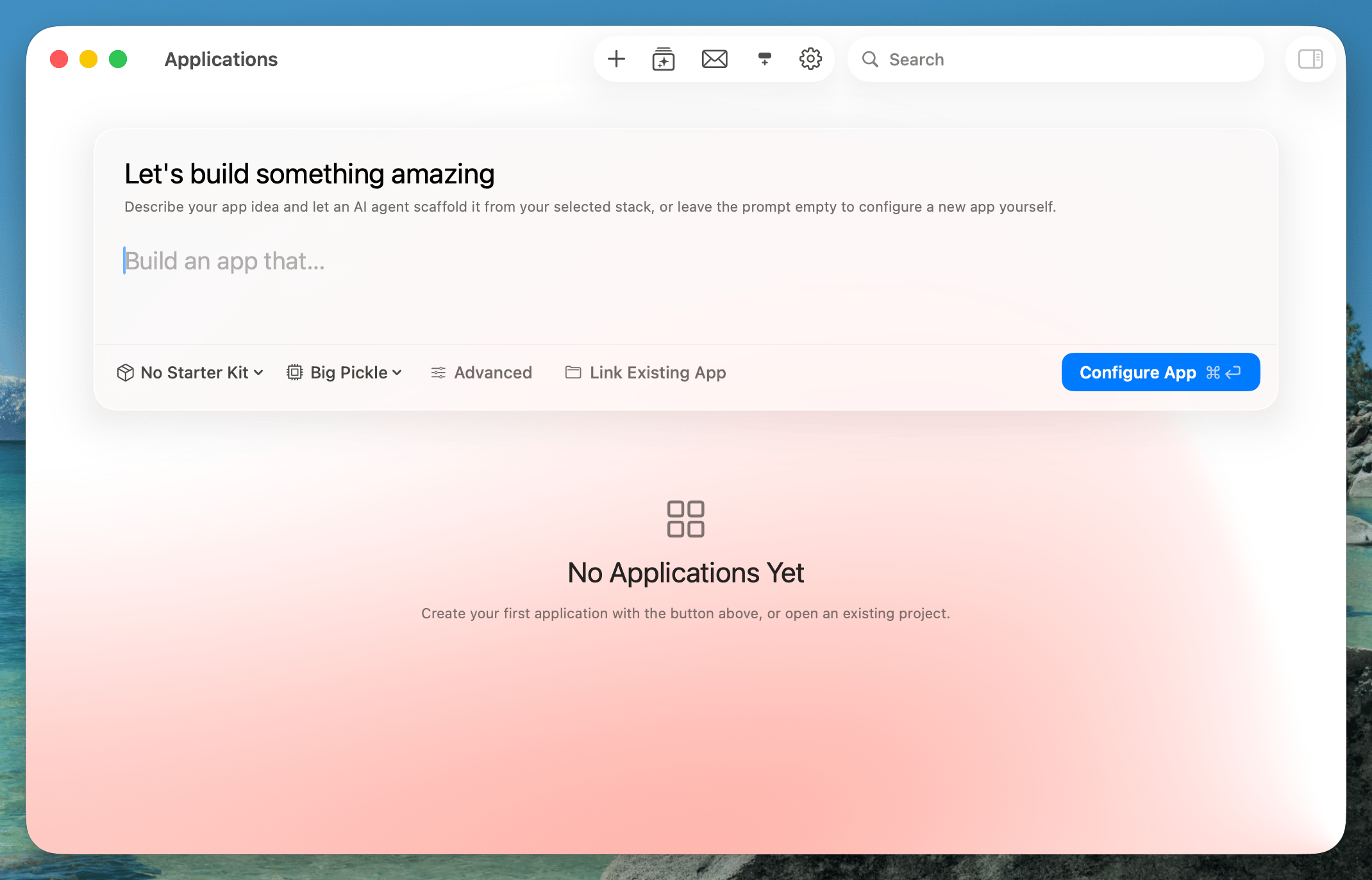
You can download the latest version of Herd here. After downloading the DMG file, double-click the file to open it, and drag the Herd icon to the Applications folder. Once Herd is installed, open it from your Applications folder which triggers the onboarding process. The onboarding process downloads the latest PHP and Node.js versions and installs a Herd background service on your machine. This background service needs admin permissions and is responsible for handling nginx and dnsmasq. At the end of the onboarding, you can connect an AI provider to use Herd Studio. You can skip this step and connect providers later in the settings. After the installation process is complete, you have a fully-functioning PHP and Laravel development environment. This means you can invoke theherd, php, laravel, and composer binaries from your terminal:
Activating Herd Pro
After purchasing a Herd Pro license, open the settings and enter your license key in the “Herd Pro” tab. The tab also takes you to the settings for Mail, Insights and the Debugger.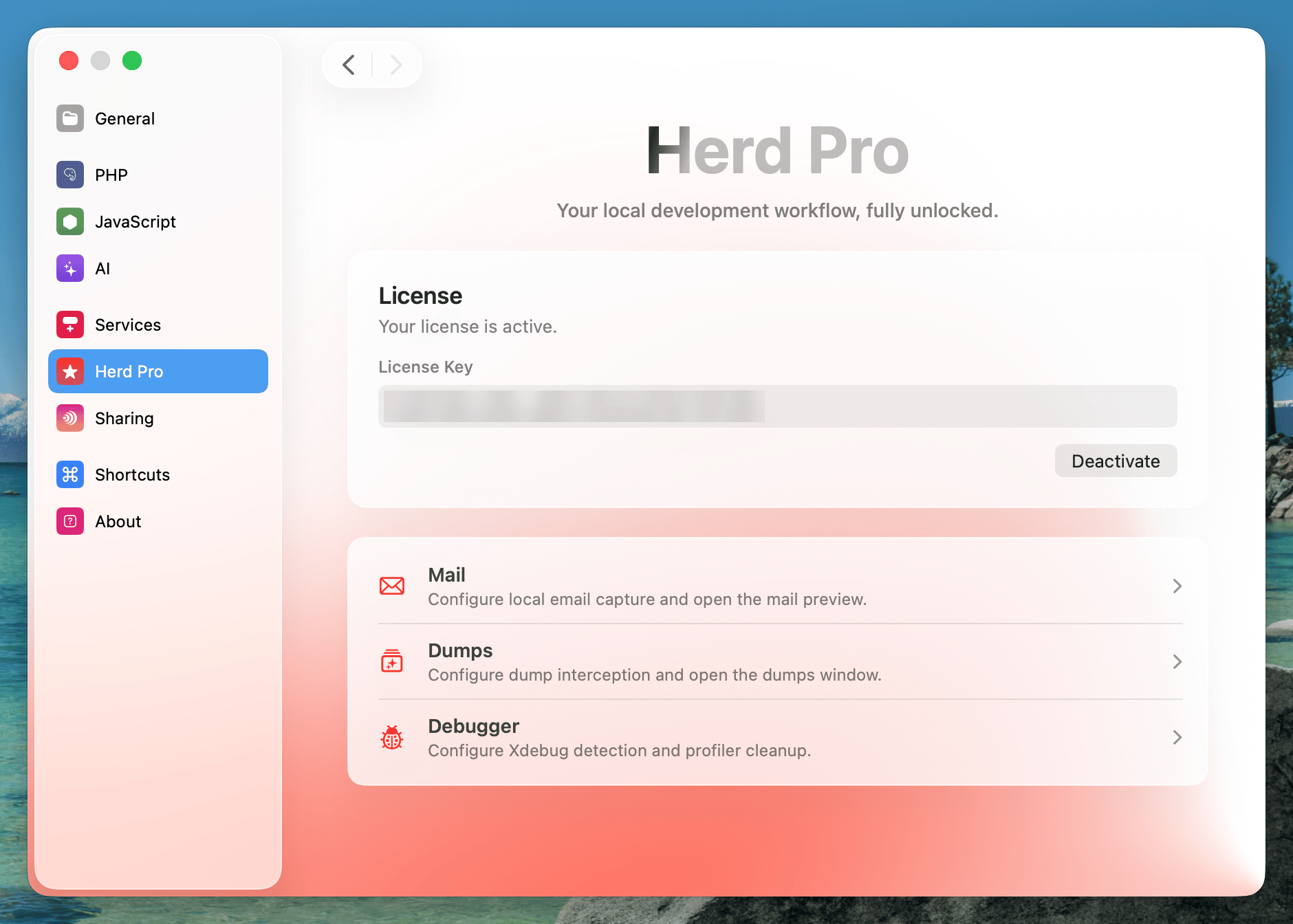
Migrate from Valet
Herd makes it easy to migrate all of your existing Valet sites, certificates and settings to Herd. Upon opening Herd for the first time, Herd automatically detects your existing Valet installation and migrates all existing sites, certificates and settings to Herd. If Valet is still running, Herd asks you to stop Valet before continuing with the installation. It is important to note that Herd will does not modify your existing Valet installation in any way. This means that you can easily switch back to Valet at any time. Just quit Herd and runvalet start to start Valet again.