> ## Documentation Index
> Fetch the complete documentation index at: https://herd.laravel.com/docs/llms.txt
> Use this file to discover all available pages before exploring further.
# RustFS
# Set up RustFS
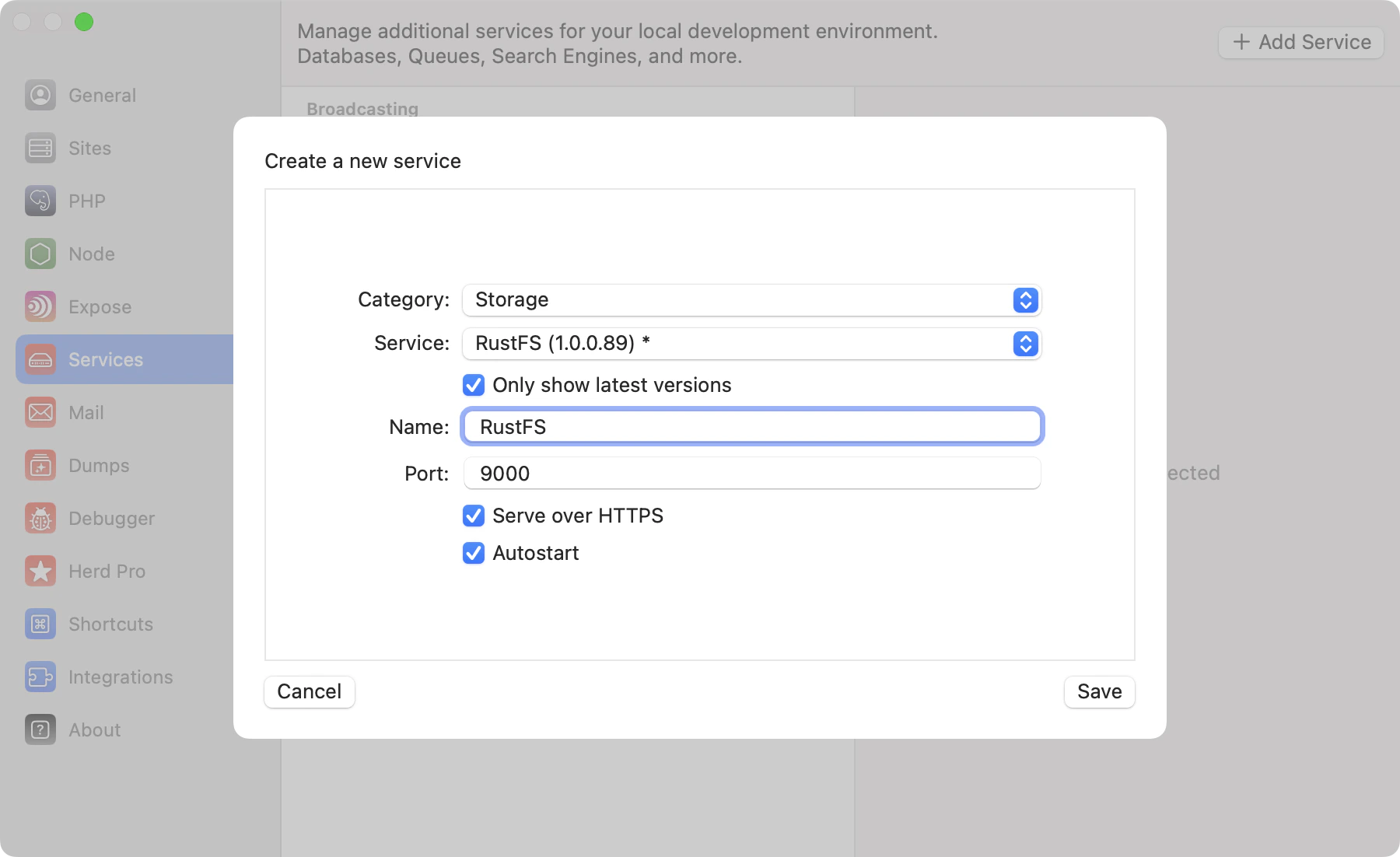
RustFS is an open-source, S3-compatible object storage server. It's a drop-in alternative to MinIO and works with the same AWS S3 APIs you use in production. You can set up RustFS as a Herd service and use its built-in dashboard to create buckets.
 ## Configuration
Before connecting your application to RustFS, create a bucket using the dashboard. Access the dashboard or view service logs via the Herd service configuration.
## Configuration
Before connecting your application to RustFS, create a bucket using the dashboard. Access the dashboard or view service logs via the Herd service configuration.
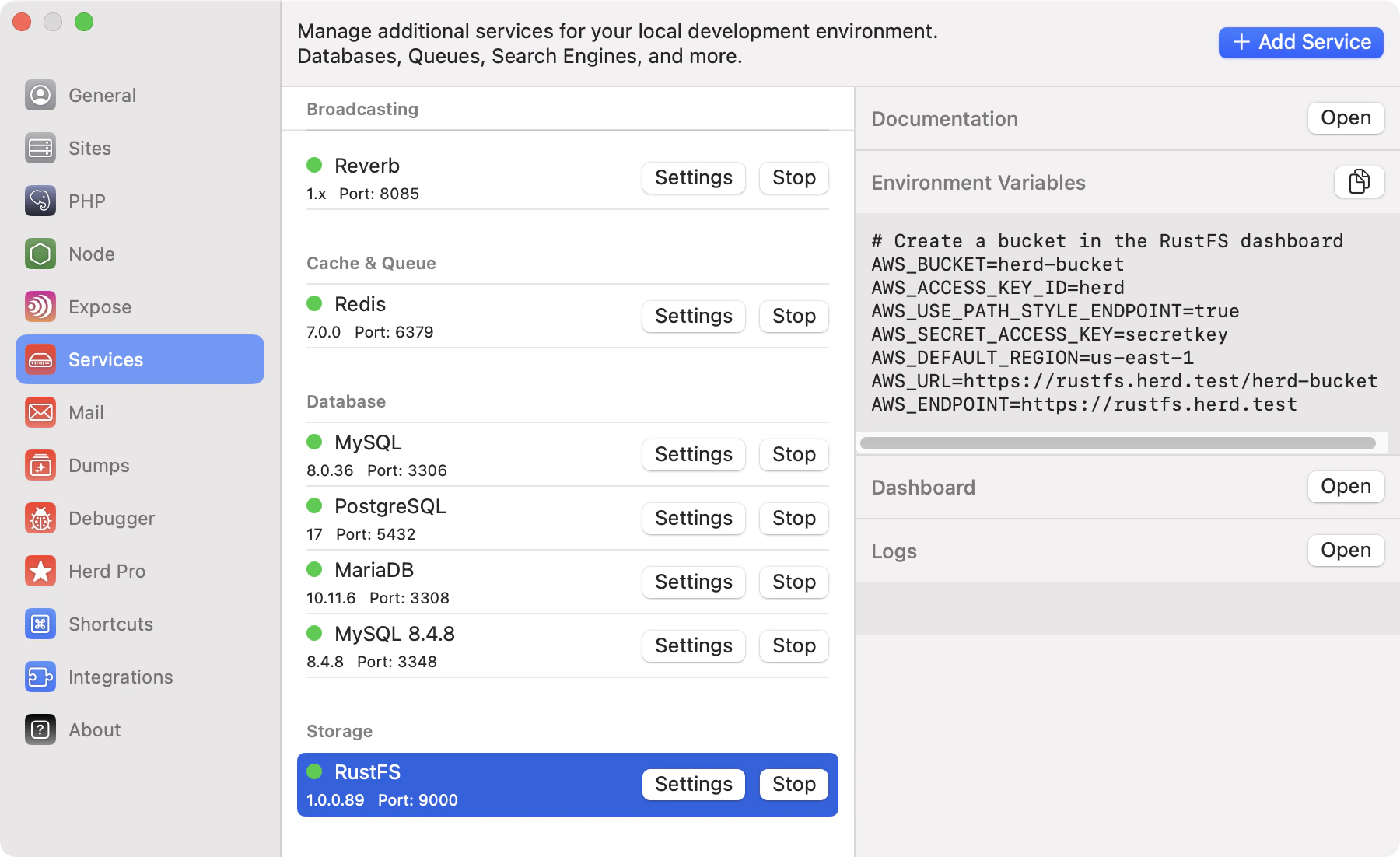 The console dashboard runs on port+1 — if your RustFS server runs on port 9000, the dashboard is available on port 9001.
## Dashboard
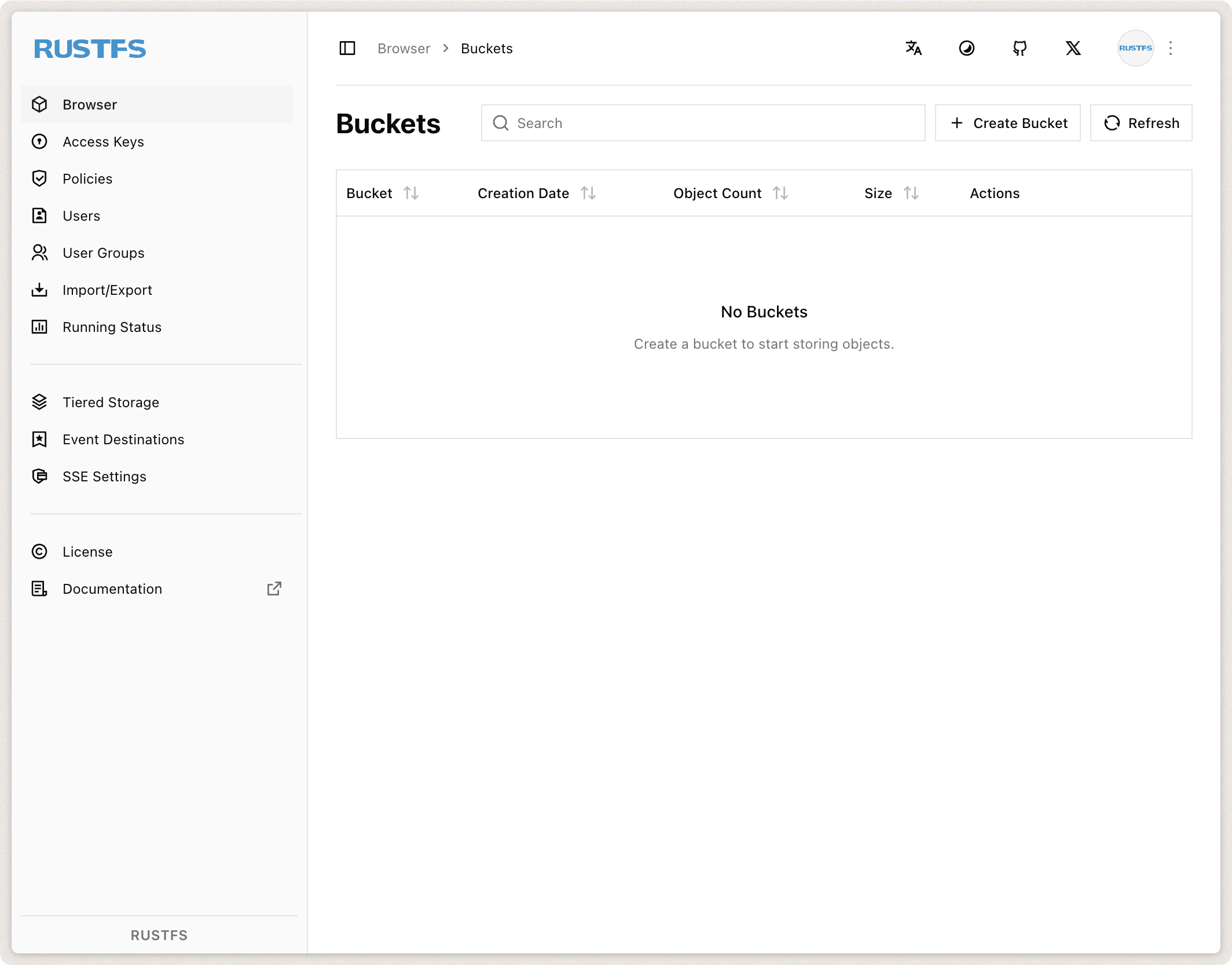
Access the RustFS dashboard via `http://localhost:CONSOLE_PORT` or by using the dashboard button in the services list. Log in with the default credentials (`herd` / `secretkey`) to create your first bucket.
The console dashboard runs on port+1 — if your RustFS server runs on port 9000, the dashboard is available on port 9001.
## Dashboard
Access the RustFS dashboard via `http://localhost:CONSOLE_PORT` or by using the dashboard button in the services list. Log in with the default credentials (`herd` / `secretkey`) to create your first bucket.
 ## Environment Variables
After configuring the service name, port, and autostart options, start the service, log into the dashboard, and create a bucket.
Then update your `.env` file to connect your Laravel application to RustFS:
```env theme={null}
AWS_BUCKET=herd-bucket # Your bucket name
AWS_ACCESS_KEY_ID=herd
AWS_SECRET_ACCESS_KEY=secretkey
AWS_USE_PATH_STYLE_ENDPOINT=true
AWS_DEFAULT_REGION=us-east-1
AWS_URL=http://localhost:9000/herd-bucket
AWS_ENDPOINT=http://localhost:9000
```
### HTTPS
If you enable "Serve over HTTPS" in the service configuration, your RustFS instance will be available via a `.herd.test` domain with a trusted SSL certificate. Update your `.env` accordingly:
```env theme={null}
AWS_BUCKET=herd-bucket
AWS_ACCESS_KEY_ID=herd
AWS_SECRET_ACCESS_KEY=secretkey
AWS_USE_PATH_STYLE_ENDPOINT=true
AWS_DEFAULT_REGION=us-east-1
AWS_URL=https://rustfs.herd.test/herd-bucket
AWS_ENDPOINT=https://rustfs.herd.test
```
Replace `rustfs` in the URL with the name of your RustFS service (as shown in Herd).
You can find additional information about configuring S3-compatible storage with Laravel in the [Laravel documentation](https://laravel.com/docs/11.x/filesystem#amazon-s3-compatible-filesystems).
## Environment Variables
After configuring the service name, port, and autostart options, start the service, log into the dashboard, and create a bucket.
Then update your `.env` file to connect your Laravel application to RustFS:
```env theme={null}
AWS_BUCKET=herd-bucket # Your bucket name
AWS_ACCESS_KEY_ID=herd
AWS_SECRET_ACCESS_KEY=secretkey
AWS_USE_PATH_STYLE_ENDPOINT=true
AWS_DEFAULT_REGION=us-east-1
AWS_URL=http://localhost:9000/herd-bucket
AWS_ENDPOINT=http://localhost:9000
```
### HTTPS
If you enable "Serve over HTTPS" in the service configuration, your RustFS instance will be available via a `.herd.test` domain with a trusted SSL certificate. Update your `.env` accordingly:
```env theme={null}
AWS_BUCKET=herd-bucket
AWS_ACCESS_KEY_ID=herd
AWS_SECRET_ACCESS_KEY=secretkey
AWS_USE_PATH_STYLE_ENDPOINT=true
AWS_DEFAULT_REGION=us-east-1
AWS_URL=https://rustfs.herd.test/herd-bucket
AWS_ENDPOINT=https://rustfs.herd.test
```
Replace `rustfs` in the URL with the name of your RustFS service (as shown in Herd).
You can find additional information about configuring S3-compatible storage with Laravel in the [Laravel documentation](https://laravel.com/docs/11.x/filesystem#amazon-s3-compatible-filesystems).