> ## Documentation Index
> Fetch the complete documentation index at: https://herd.laravel.com/docs/llms.txt
> Use this file to discover all available pages before exploring further.
# Meilisearch
# Set up Meilisearch for Laravel Scout
Meilisearch is a powerful search engine for your application, working perfectly with [Laravel Scout](https://laravel.com/docs/11.x/scout). It allows you to add a search engine with great relevancy, typo correction, and more to your application by simply adding the `Searchable` Trait to a model.
 ## Connecting from your Laravel application
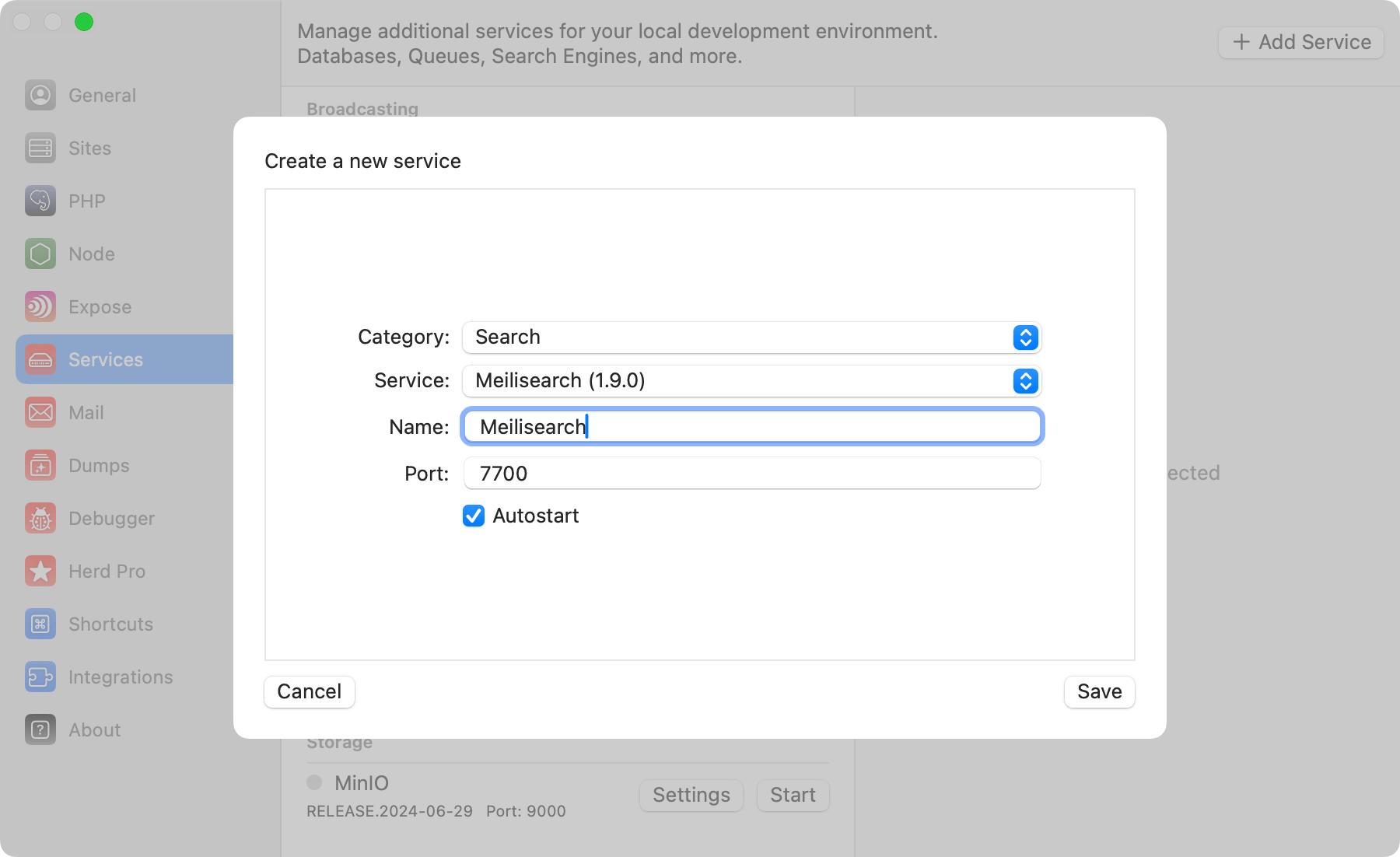
Like with all Herd services, you can configure the port as well as the service name of your Meilisearch instance and add the following environment variables to your `.env` file.
```env theme={null}
SCOUT_DRIVER=meilisearch
MEILISEARCH_HOST=http://127.0.0.1:7700
MEILISEARCH_KEY=LARAVEL-HERD
```
When using the Meilisearch driver you will need to install the Meilisearch PHP SDK via the composer package manager:
```bash theme={null}
composer require meilisearch/meilisearch-php http-interop/http-factory-guzzle
```
You can find additional information about using Laravel Scout with Meilisearch in the [Laravel documentation](https://laravel.com/docs/11.x/scout#meilisearch).
## Using Meilisearch
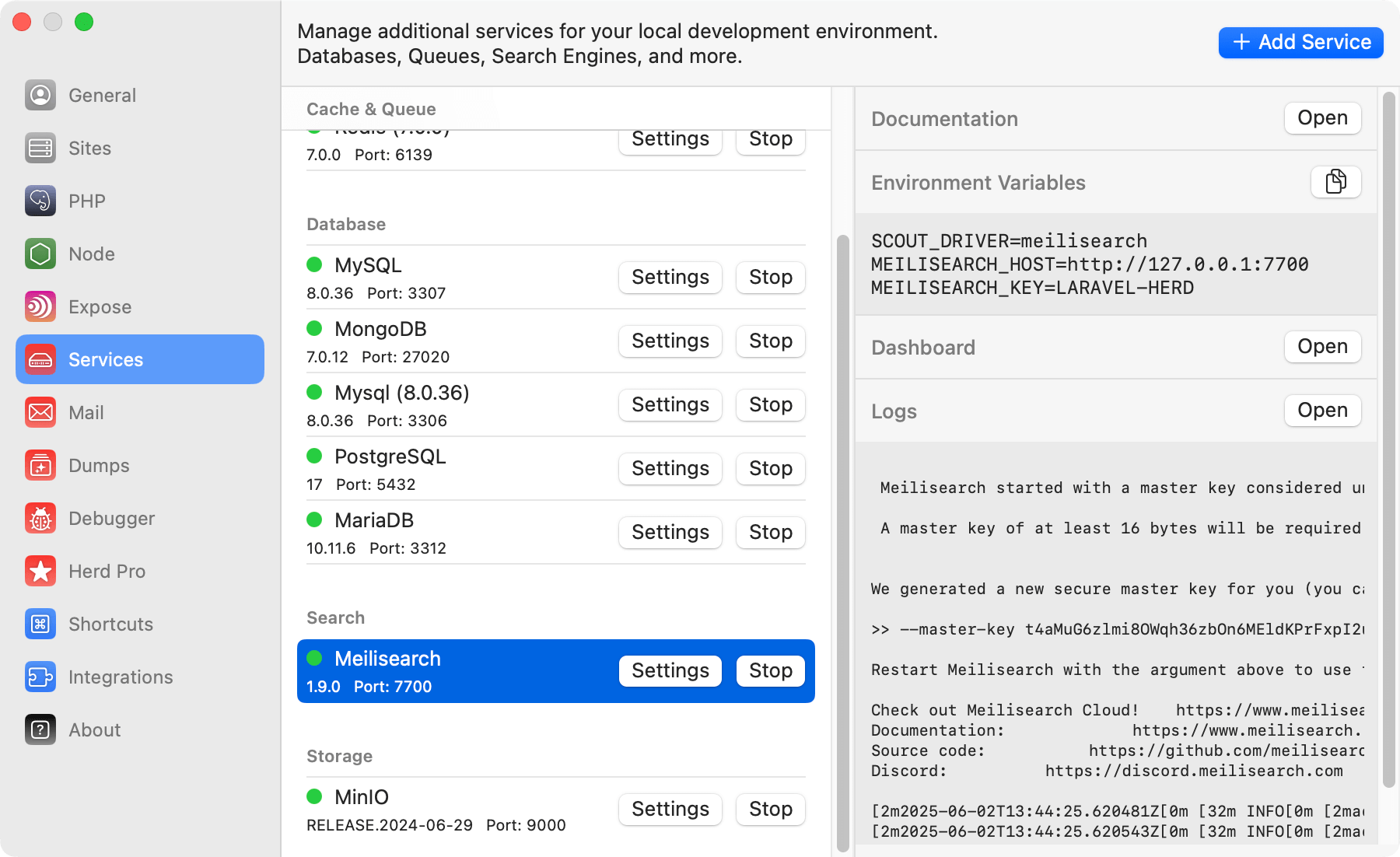
You can open the Meilisearch Dashboard or the logs of the service from the right side of the service details.
## Connecting from your Laravel application
Like with all Herd services, you can configure the port as well as the service name of your Meilisearch instance and add the following environment variables to your `.env` file.
```env theme={null}
SCOUT_DRIVER=meilisearch
MEILISEARCH_HOST=http://127.0.0.1:7700
MEILISEARCH_KEY=LARAVEL-HERD
```
When using the Meilisearch driver you will need to install the Meilisearch PHP SDK via the composer package manager:
```bash theme={null}
composer require meilisearch/meilisearch-php http-interop/http-factory-guzzle
```
You can find additional information about using Laravel Scout with Meilisearch in the [Laravel documentation](https://laravel.com/docs/11.x/scout#meilisearch).
## Using Meilisearch
You can open the Meilisearch Dashboard or the logs of the service from the right side of the service details.
 ## Dashboard
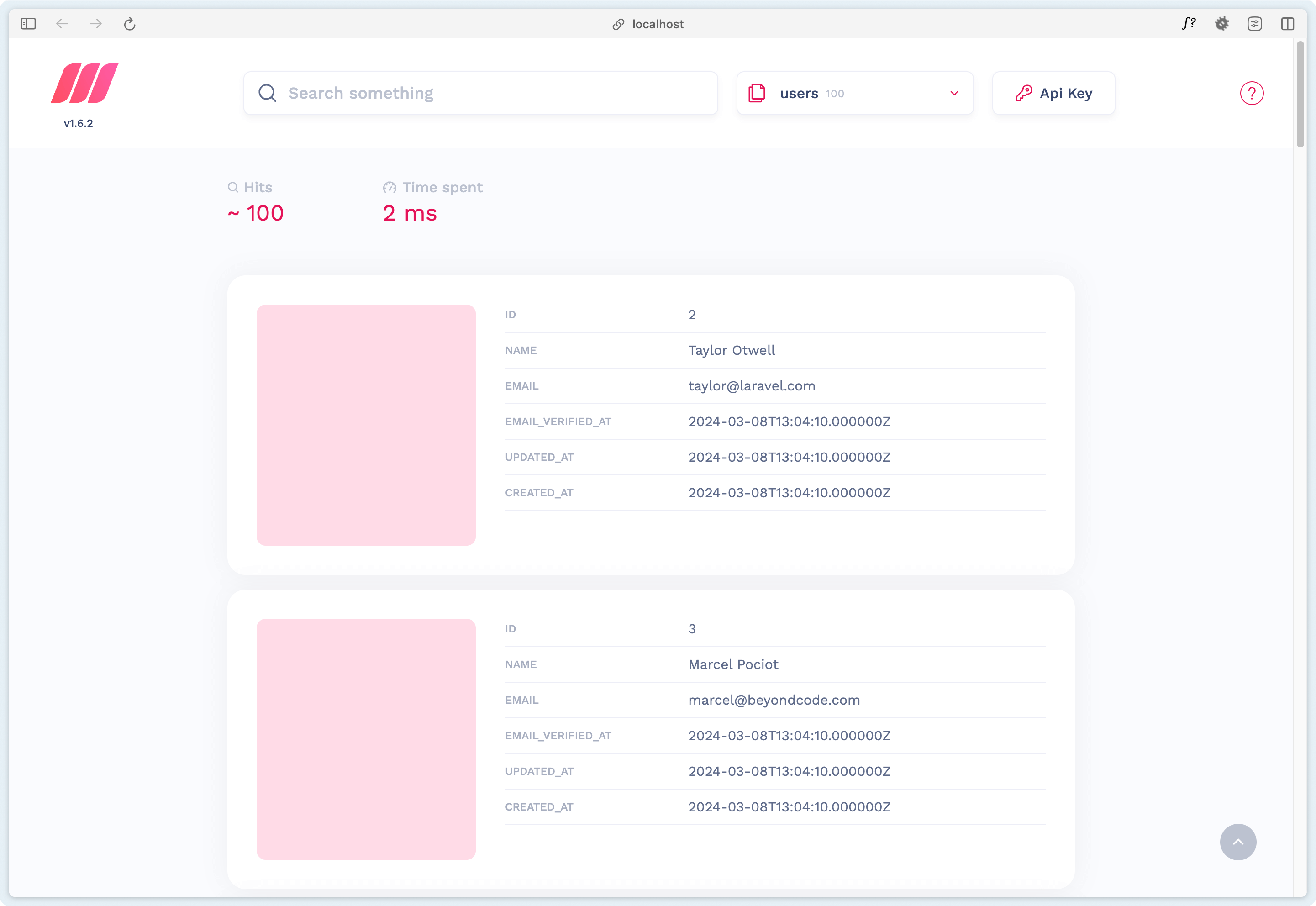
The Meilisearch dashboard is accessible via `http://locahost:port` or by using the dashboard button in the services list.
## Dashboard
The Meilisearch dashboard is accessible via `http://locahost:port` or by using the dashboard button in the services list.